


Why Aren't My Wedding Guests Sharing Photos?
Most guests aren't saying no. They missed the QR, forgot, or hit an app or login. Here's why guests don't share photos and what you can do this week.
Most guests aren't refusing to share their photos. They didn't know they could, never saw the QR code, or meant to do it later and forgot. The good news: many of these are easy to fix, even after the wedding.
Here are the most common reasons, and what helps with each.
1. They didn't realize they could share
A QR code on a table doesn't explain itself. Many guests assume it's the menu, or for the couple only. If nobody says "we want your photos," most people keep them in their camera roll.
What helps: tell guests early that you want their photos. Add the QR in your invitation and the welcome sign.
2. They never saw the QR code, or nobody announced it
The code was by the entrance, behind the flowers, or on one card per table. If nobody mentions it, it looks like decoration.
What helps: put the QR where guests sit and wait, like table cards and the bar. Ask the DJ, MC or host for one short announcement. Test one scan on your own phone before you print.
3. They don't know they can still upload after the event
Many guests think the chance ended when the party did. So they never share, even with great photos on their phone.
On InvitePix paid plans, "guest uploads stay open for 6, 12, or 18 months after your event." So it's not too late. Be sure to tell your guests and share the link or QR code again.
4. They were busy, meant to do it later, and forgot
This is the most honest reason. Guests were dancing and talking, not uploading. They planned to do it later, went home, and life moved on.
What helps: a short thank-you text or text message after your event. Be sure to include the gallery link. A short reminder can bring in more photos because guests have a quiet moment at home.
5. They thought the photographer had it covered
Guests know you hired a pro, so they assume their phone shots don't matter. But they catch the moments your photographer can't: the table jokes, the after-party, the view from the back row.
What helps: tell them you want their photos too, blurry ones included.
6. The app asked them to sign in or download something
This step loses a lot of people. A guest scans, sees "create an account" or "get the app," and doesn't bother.
InvitePix needs neither. Guests scan your QR code or tap your link, the upload page opens in their browser, and they choose photos. No app to install, and no guest account to create.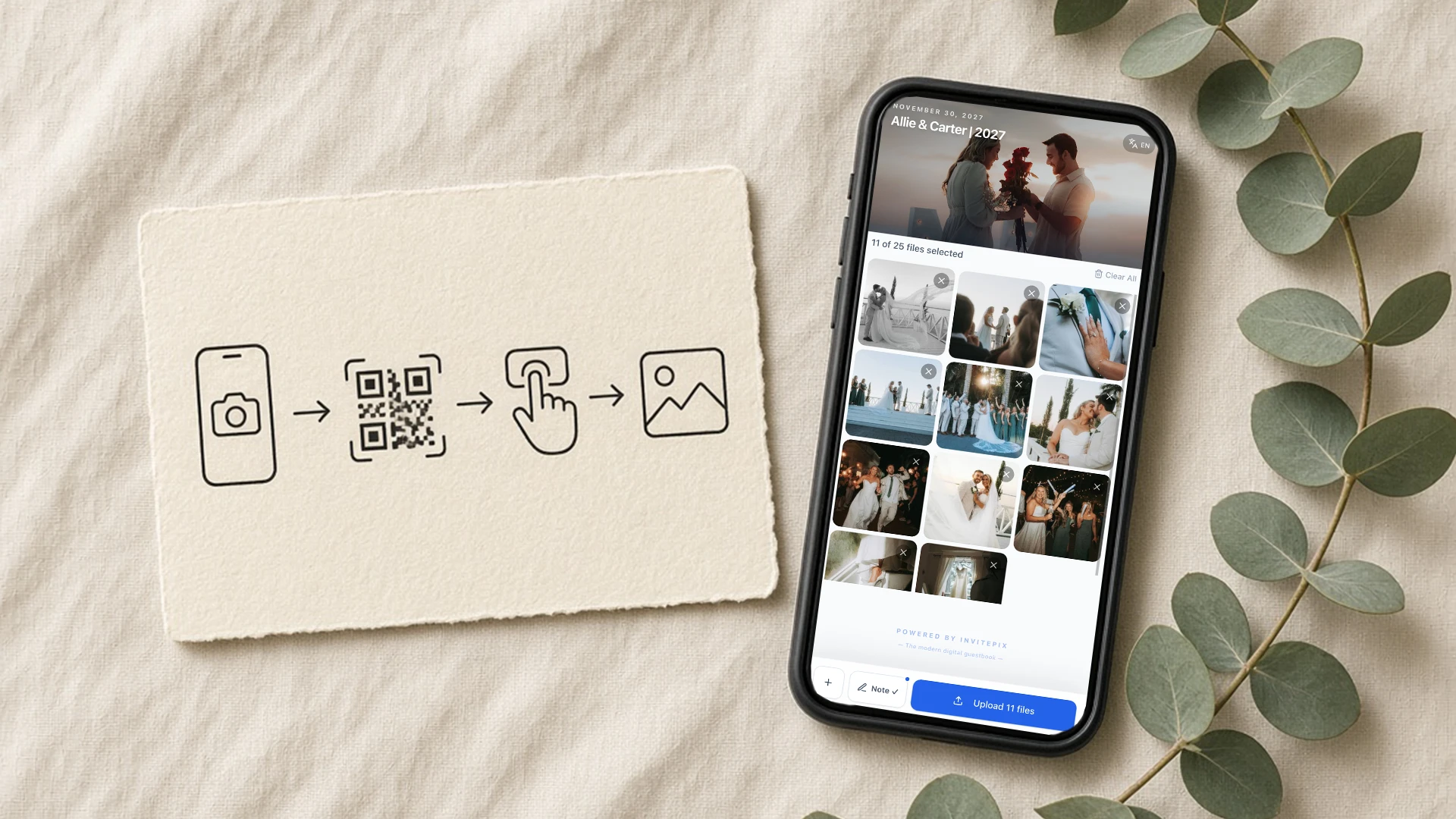
7. Older guests found it harder
Some older relatives aren't sure what to do with a QR code, or worry they'll get it wrong.
What helps: a small card with the steps: open the camera, point it at the code, tap the link, choose photos. Tell them it's just scan and upload, no app. A grandchild can help in a minute.
8. The venue signal was bad
Barns, basements and countryside venues often have weak signal. A guest tries once, the upload stalls, and they don't try again.
What helps: let guests know they can upload later from home, on their own Wi-Fi.
How to get wedding guests to share photos after the wedding
If your gallery looks a little sparse right now, start here:
- Send one thank-you message with the upload link.
- Say clearly that uploads are still open.
- Ask a close friend or family member to forward it to their side of the family.
For more ideas before and during the day, read how to encourage wedding guests to upload photos.
Try InvitePix
Guests scan a QR code and add photos from their phone. No app. Start free with 50 photos, no card needed, and upgrade if you want more.
Ready to create your private wedding photo gallery?
Discover how InvitePix can help you collect all your guest photos effortlessly.