
Your best event photos are on your guests' phones.


For the event you're planning
Your private gallery. Your guests add their photos.



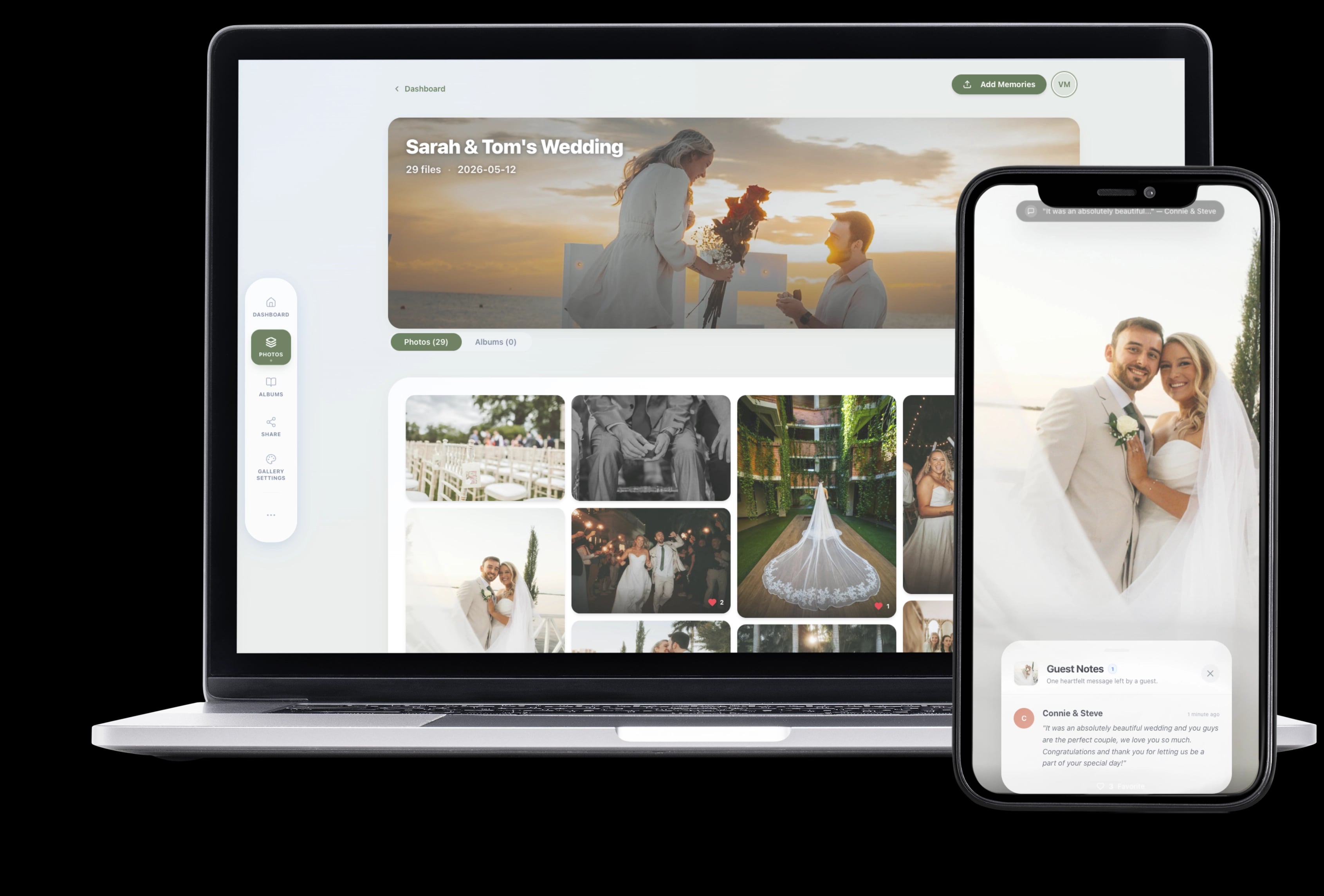
Every guest photo, in your private gallery
Group chats compress your photos. Shared albums need logins. Your guests scan a QR code.
You open your gallery, and the night is already there. Guests can keep adding in the days, weeks, or months after.
- All in one place: The photos and notes from the people who were there.
- Original quality: No compression. View or download from any phone or laptop.
- Private: Only people you share the link with can see it.
After the event, share it your way
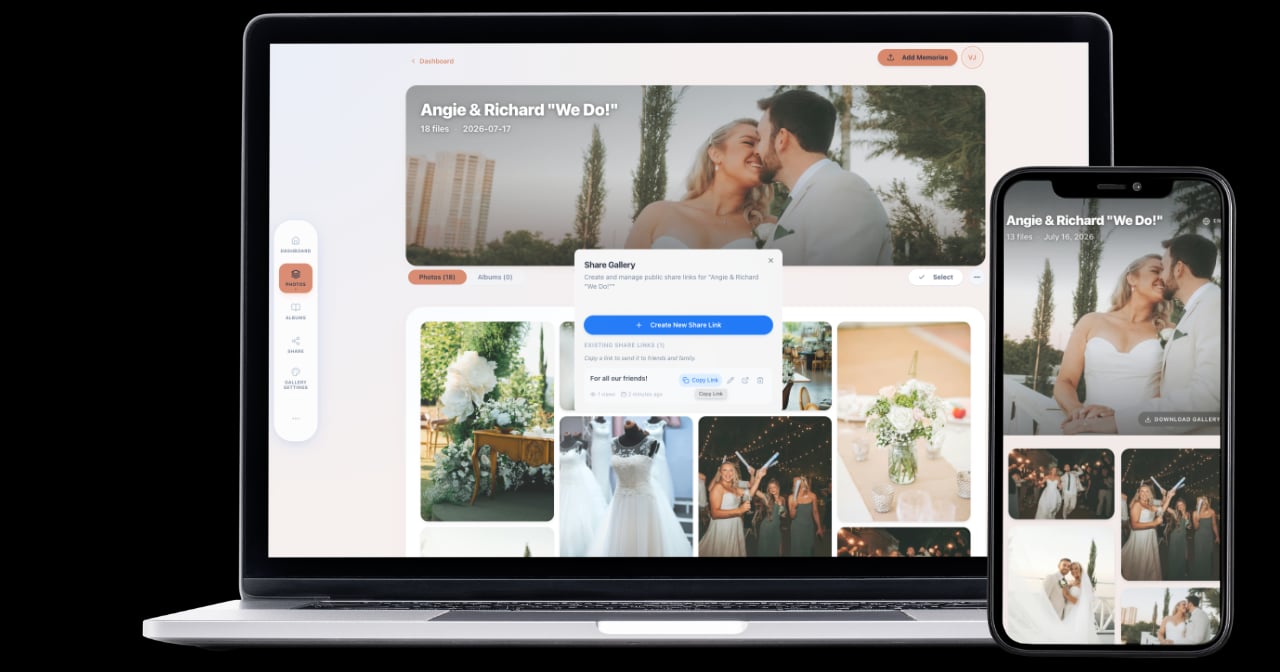
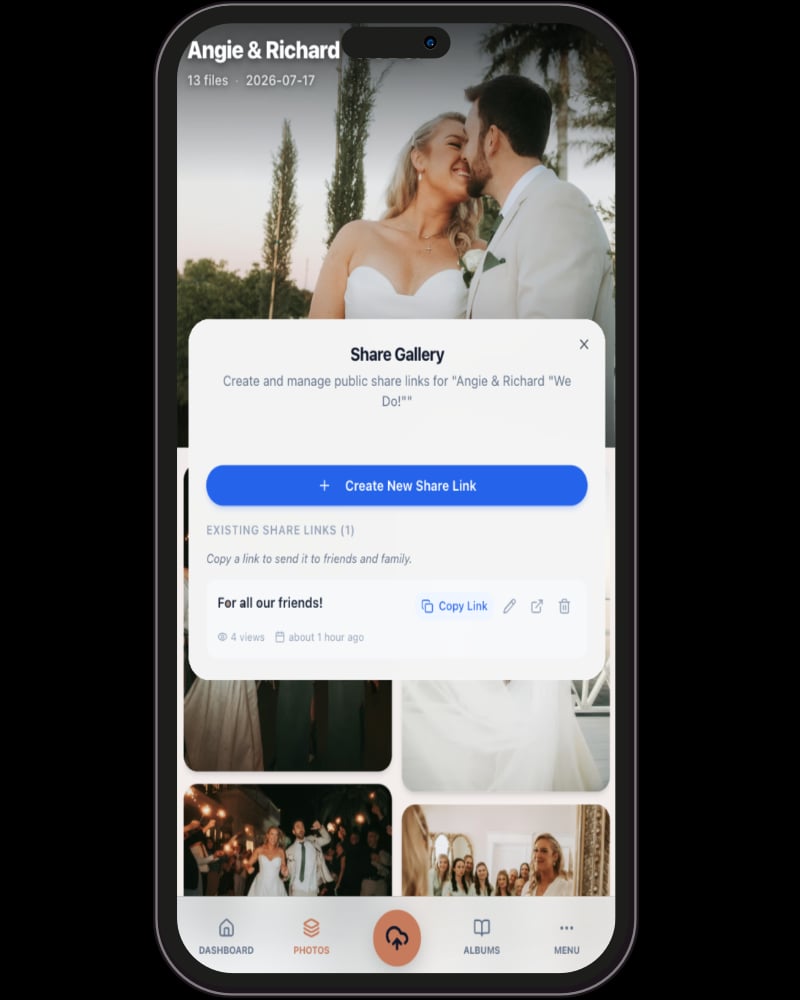
Guest photos stay private until you send a link. Share it with the people you choose. They can look without an app or an account.
How it works
Your guests will take the photos. InvitePix gathers them into your private gallery, so you are not chasing people afterward.
1. You
Set it up when you are ready
Create the gallery whenever you like. Share a link, a QR code, or both.
2. Guests
They add photos from their own phone
They open your link or scan the QR code. It opens in the browser. No app to install, and no account to create.
3. After
The photos are together
As guests add photos, they show up in your private gallery. You get one place to see them, instead of chasing them through group chats.
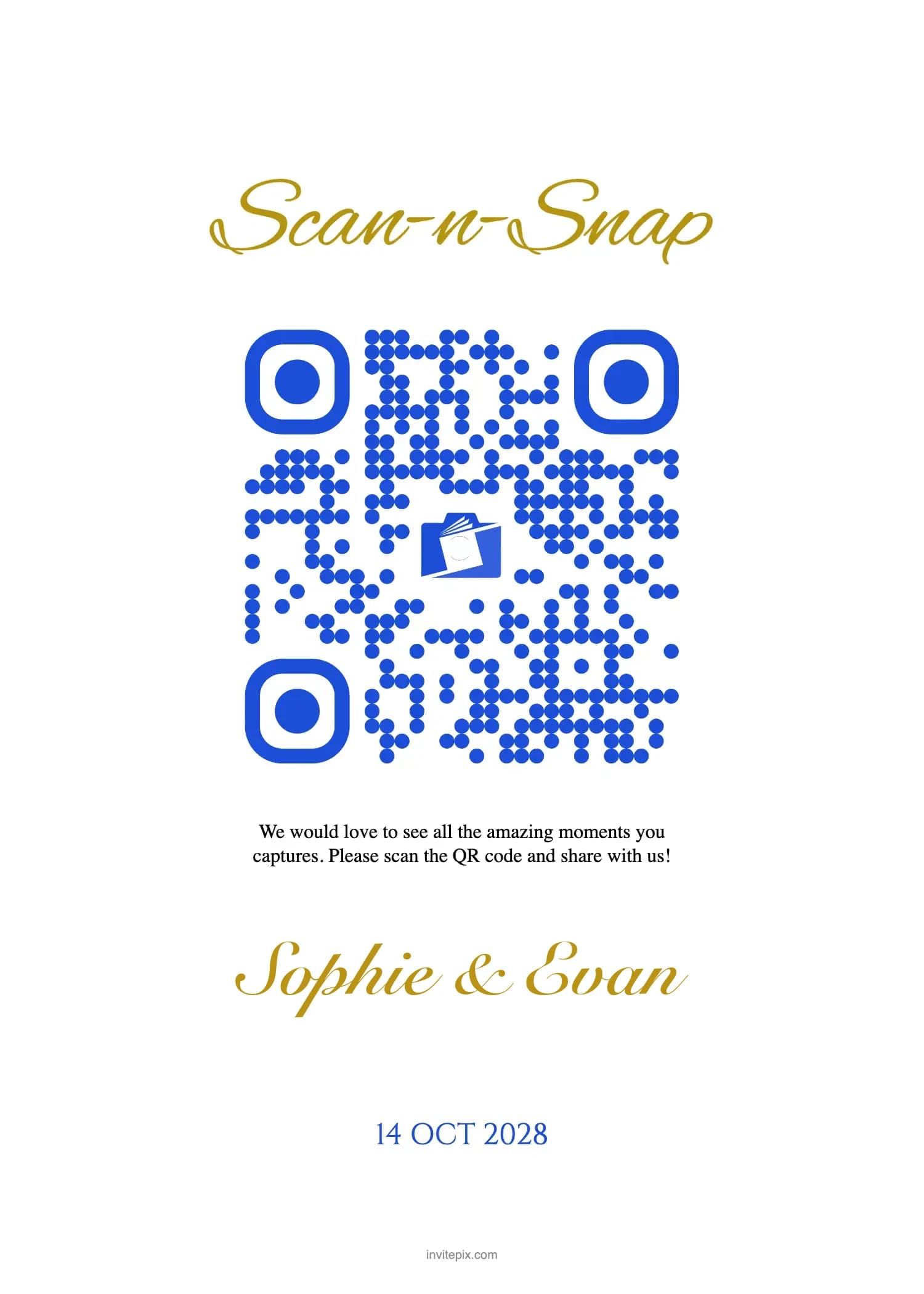
Guests point the phone camera at the QR code. No app store.
invitepix.com/sophie-and-evan
Tap to open in browser
No account. No credit card.
What you actually get
Photos show up while the party is still going
New photos land in your gallery as guests add them. You'll see moments you didn't even know happened.
Share with family who couldn't be there
Send a private link to those who couldn't make it. They can watch the event as guests share their photos without an app or an account.
You stay in control
The gallery starts private. Guest notes are only for you. Share the link when you want, not on a public hashtag.
Simple one-time packages
Start free. Paid galleries from $29 USD, one time.
No subscription. No app for guests. Pick the plan on the next page.
See packagesEvent planning resources
Guides and comparisons to help you pick the right guest photo setup.
Wedding photo guides
How to collect guest photos and videos on your wedding day.
Quinceañera planning
Keep your 15th birthday memories in original quality.
Compare photo options
QR galleries, shared albums, and other tools. See who each option fits.
Digital guestbook guide
How to use InvitePix as a modern digital photo guestbook for candid wedding memories.
InvitePix Event Photo Sharing: Frequently Asked Questions
What is InvitePix and how does it work?
InvitePix is a browser-based event photo-sharing gallery and digital guestbook platform designed to allow guests to upload original-quality photos, videos, and guestbook messages via QR code. No app downloads or accounts are required for guests to share.
How is InvitePix different from a shared album (like Google Photos) or a WhatsApp group?
InvitePix is a private browser-based photo-sharing platform that is an alternative to shared albums or group chats that often compromise on privacy and resolution.
- No Google accounts or mandatory app downloads. It's a simple, browser-based upload process.
- Your gallery is a private gallery you control, not a generic shared folder.
- We preserve the high-resolution quality of your photos. Messaging apps often compress images and videos heavily.
- All memories are in one beautiful place, organized by your event, ready for instant download.
What kinds of events is InvitePix for?
InvitePix is perfect for any event where you want to collect photos, videos and/or guestbook messages from your guests into an organized and private event gallery. This includes weddings, quinceañeras, anniversaries, festivals, and corporate events. It is also a fantastic solution for baby showers, family reunions, vacations, birthdays, or any gathering.
Do my guests need to download an app or create an account?
No. Guests scan the QR code with their phone camera, or tap your link, and upload in their device's browser. No guest apps to download, no guest accounts to create.
Is it easy for non-tech-savvy guests to use?
Yes! Your guests only need to scan a QR code or tap a link to open your gallery's upload page and begin sharing their photos, videos, and messages with you!
Are the photos and videos my guests upload private?
Yes. Your gallery is private by default. Your gallery is only accessible by you. From your gallery settings you have the option of creating a public gallery so that your friends and family can also view your photos and videos. You are always in full control.
Can I use InvitePix as a digital guestbook?
Yes! Your guests can share photos, videos and guest books messages. Guests have the option of adding their name and message to their uploads or sending just a message. Whichever they choose those names and messages arrive in your gallery.